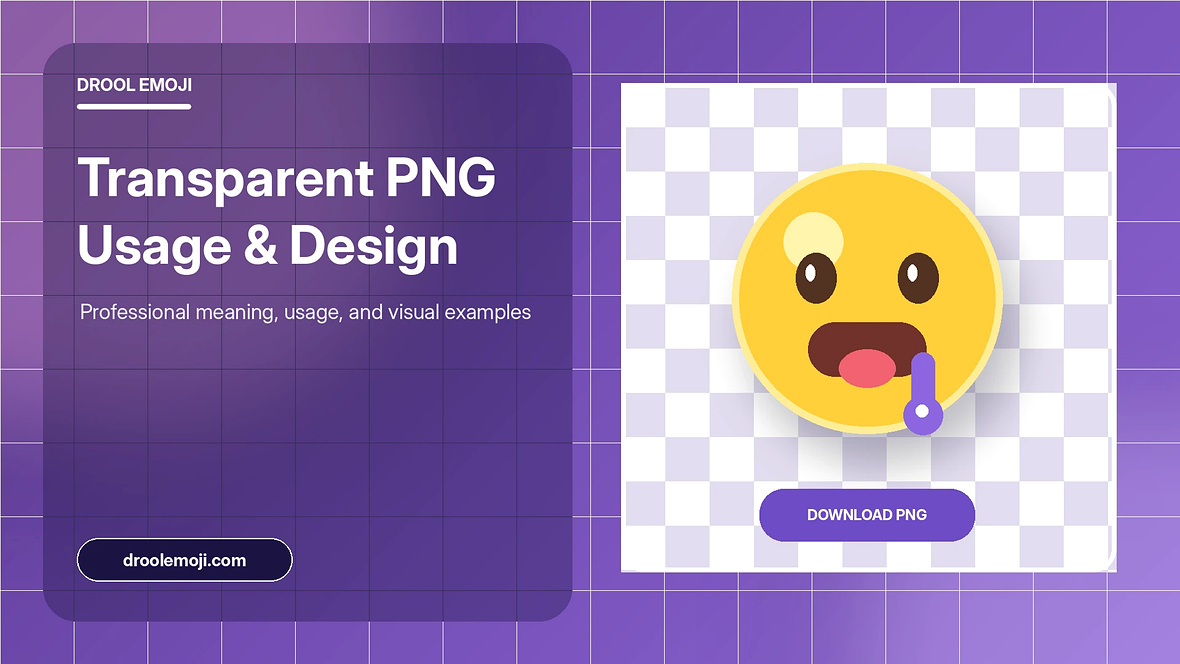
Create a transparent PNG for presentations, stickers, thumbnails, and personal design projects. This article gives practical context, clear examples, and responsible usage advice for everyday messages, social posts, websites, and design work.
Quick emoji tool
Copy the character as text or create a transparent PNG directly in your browser.
Why use a transparent PNG
A transparent PNG is useful when the emoji needs to sit over a photograph, colored slide, thumbnail, sticker sheet, video frame, or design canvas without a visible square background. It also gives you predictable dimensions and lets you rotate or resize the graphic as a single object.
The generator on this website creates the file locally with Canvas. No image is uploaded, no external API is requested, and the result can be downloaded even when the site is opened from a local folder.
Choosing canvas and emoji size
Use a square canvas such as 512 by 512 pixels for general work. Increase the canvas for large presentations or print experiments, and reduce it for small icons. Leave enough padding so shadows, rotation, and rounded backgrounds do not touch the edge.
The visible emoji size depends on the system font used by your browser. Preview the output before downloading, especially when combining multiple characters that have different widths.
Background, shape, shadow, and border
Keep transparency enabled for overlays. Turn it off when you want a colored square or circle ready for a profile image or sticker. A subtle shadow can separate the emoji from a busy background, while a border creates a badge-like style.
Avoid excessive effects when the emoji is small. Clean edges and generous padding usually look better than a thick border and heavy shadow.
Usage and rights considerations
The PNG is rendered from the emoji font available on your device. Different operating systems may use artwork created by different platform vendors, and those designs can have separate licensing terms.
For personal messages, classroom slides, and ordinary design experiments, local generation is convenient. For commercial branding, merchandise, or redistribution, review the terms that apply to the specific artwork rendered on your system.
Transparent PNG versus text emoji
Text emoji is smaller, searchable, selectable, and usually more accessible. It also adapts to the receiving platform's artwork. A PNG is fixed artwork that can be resized, rotated, layered, and positioned in a design. Choose text for messages and ordinary captions; choose PNG for visual composition.
A PNG can increase file size compared with one Unicode character, so do not replace every inline emoji with an image. Use it where design control provides a real benefit.
Export quality tips
Start with a canvas larger than the final display size, then scale down in the design application. This can produce smoother edges. Keep the emoji centered, use enough padding for shadows, and avoid extreme rotation that clips the corners.
Transparency can be hard to see on a white preview. The checkerboard behind the live canvas indicates transparent areas, while the downloaded file contains no checkerboard pattern.
Common PNG problems and fixes
If the file looks too small, increase the emoji size or reduce padding. If the edges are cut off, increase padding or reduce font size. If a circle background touches the canvas edge, leave space for the border and shadow.
If the artwork differs from another website, the two devices may use different emoji fonts. The generator intentionally uses the local browser environment rather than downloading a vendor image.
Practical summary
The most useful approach is to match the drooling face to a clear context, keep the message readable, and choose text or PNG based on the destination. Text is searchable and accessible, while a PNG gives visual control in design work.