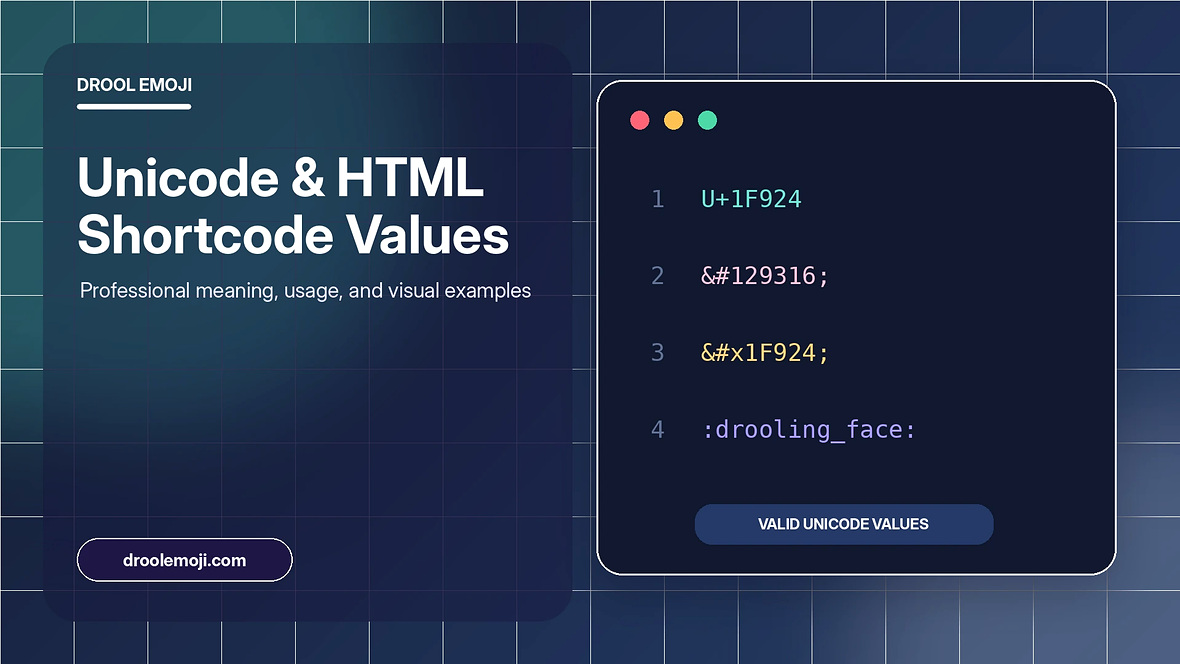
Use the correct Unicode, decimal, hexadecimal, and shortcode formats for the drooling face. This article gives practical context, clear examples, and responsible usage advice for everyday messages, social posts, websites, and design work.
Quick emoji tool
Copy the character as text or create a transparent PNG directly in your browser.
Unicode code point explained
The drooling face is represented by Unicode code point U+1F924. Unicode gives the character a stable identity so compatible systems can exchange the same underlying text even when the artwork looks different.
The code point belongs to the supplementary range, which means some old software and poorly configured databases may require full Unicode support to store it correctly. Modern browsers and operating systems normally handle it without special work.
HTML decimal and hexadecimal forms
The decimal entity is written as ampersand, hash, 129316, and semicolon. The hexadecimal entity is written as ampersand, hash, x, 1F924, and semicolon. In HTML source, either entity resolves to the same character when the document uses correct Unicode handling.
For ordinary visible text, pasting the character directly is usually simpler. Entities are helpful when source encoding, templates, or code conventions require an escaped representation.
Shortcodes and app-specific names
Many chat systems use the shortcode name drooling_face between colons. Shortcodes are not part of Unicode itself; they are aliases implemented by an application. A shortcode that works in one platform may remain plain text in another.
Use the actual Unicode character for the widest compatibility. Use the shortcode only when the target application documents support for it.
Developer implementation tips
Serve HTML with UTF-8 encoding and include a UTF-8 meta declaration. Store text in a Unicode-capable database format when a database is involved. Do not assume that one JavaScript string unit equals one visible character, because supplementary code points can use surrogate pairs.
When counting or iterating in JavaScript, Array.from is a practical way to work with code points. Rendering still depends on an emoji-capable font, so provide sensible fallbacks and test on multiple platforms.
Encoding and storage considerations
A UTF-8 HTML document can include the character directly. Servers should send a compatible Content-Type header, and source files should be saved as UTF-8. When data moves through forms, APIs, or databases, every layer must preserve the same encoding.
In older database systems, a limited three-byte UTF-8 configuration may reject supplementary emoji. Use a full Unicode configuration appropriate to the database and test round trips before accepting user content.
JavaScript handling examples in plain language
JavaScript strings can contain the character, but its internal length may be greater than one because UTF-16 uses surrogate pairs for supplementary code points. Iterating with Array.from or a for-of loop treats the visible code point more naturally than indexing individual code units.
When creating filenames, URLs, or IDs, convert descriptive names to safe ASCII slugs instead of inserting the emoji directly. The visual character can remain in content and data attributes where Unicode is supported.
Testing across browsers and platforms
Test direct text, decimal entity, hexadecimal entity, and shortcode behavior separately. Direct text and HTML entities should resolve to the same Unicode character in a browser. A shortcode only converts when the application recognizes that alias.
Compare at least one mobile and one desktop environment. The same code point can have different artwork, line height, baseline, and width, which may affect buttons, tables, and tightly spaced layouts.
Practical summary
The most useful approach is to match the drooling face to a clear context, keep the message readable, and choose text or PNG based on the destination. Text is searchable and accessible, while a PNG gives visual control in design work.